

Microsoft Power Apps
Build tailored business applications that replace inefficient processes, improve productivity and support the way your organisation works.












What is Microsoft Power Apps?
Microsoft Power Apps is Microsoft’s low-code platform for building custom business applications that help organisations improve efficiency, replace manual processes and solve everyday business challenges. By connecting data, workflows and systems, Power Apps enables organisations to create applications tailored to the way their teams work.
At Pragmatiq, we tailor Microsoft Power Apps to your unique business processes, requirements and objectives, ensuring the platform aligns with the way your organisation works and supports your wider business goals.
Are existing processes holding your organisation back?
If any of the following challenges sound familiar, Power Apps could help your organisation improve efficiency, reduce manual effort and create applications tailored to the way your teams work.
Let’s discuss your challenges- Teams rely on spreadsheets to manage processes and information. Spreadsheets become harder to manage as your organisation grows.
- Paper-based processes delay work and reduce efficiency. Manual processes create bottlenecks and increase the risk of errors.
- Disconnected systems create duplicate work and inconsistent data. Information is harder to access, share and trust.
- Staff need access to information while working remotely or in the field. Limited access to data impacts productivity and responsiveness.
- Information is spread across multiple systems and difficult to access. Disconnected data reduces visibility and slows decision-making.
- Tailored software development is costly or unaffordable. Traditional development can be expensive and time-consuming.
What can you achieve with Power Apps?
Power Apps enables organisations to build tailored business applications that help improve efficiency, replace manual processes and support operational growth.
AI built into every application
Power Apps combines Microsoft Copilot, AI-powered app development and custom AI agents to help organisations build applications faster, automate processes and improve efficiency. Microsoft highlights Power Apps as a low-code platform with AI-assisted development and integration with Copilot and agents.
- Microsoft Copilot: Describe business requirements in natural language, generate applications more efficiently and accelerate development with AI-powered assistance.
- AI-powered applications: Incorporate AI capabilities into applications to automate tasks, simplify data entry and improve user experiences.
- Extend AI with Copilot Studio: Create custom AI agents tailored to your organisation’s unique processes and workflows.
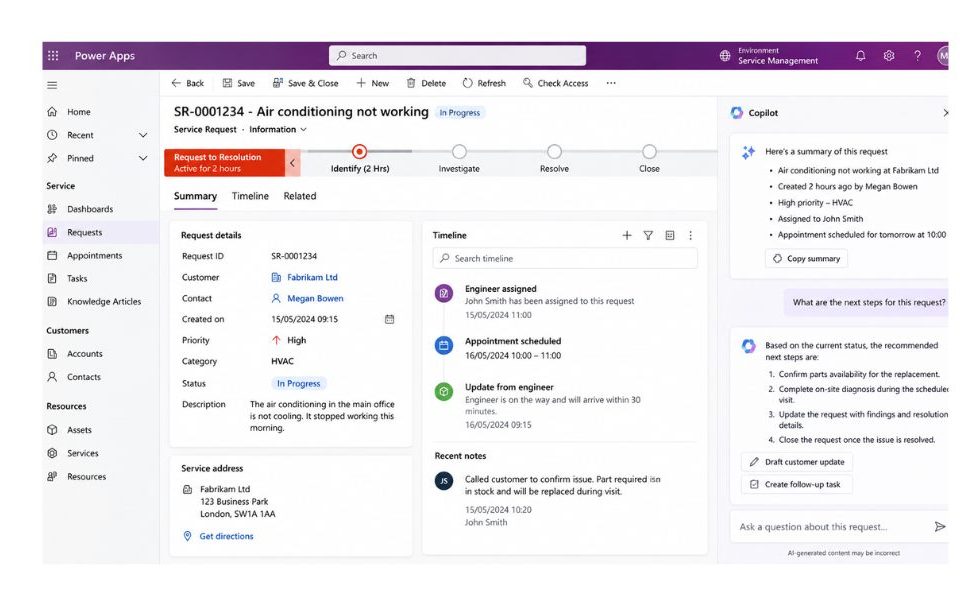
Key features of Power Apps
Power Apps provides a range of capabilities that help organisations design, develop and deploy applications that support their unique business requirements.
- Low-code development: Build and deploy custom business applications quickly using an intuitive low-code development platform.
- Custom application design: Create tailored applications that align with your unique processes, users and operational requirements.
- Cross-device accessibility: Enable employees to access applications from desktops, tablets and mobile devices.
- Secure and governed platform: Leverage Microsoft Dataverse and enterprise-grade security controls to protect business-critical information.
- Seamless integration: Connect Dynamics 365, Business Central, Microsoft 365, SharePoint, SQL databases and hundreds of other business applications and data sources.
- Process automation: Integrate with Power Automate to automate repetitive processes and improve operational efficiency.
- Flexible and scalable: Support everything from individual departmental applications to organisation-wide business solutions.
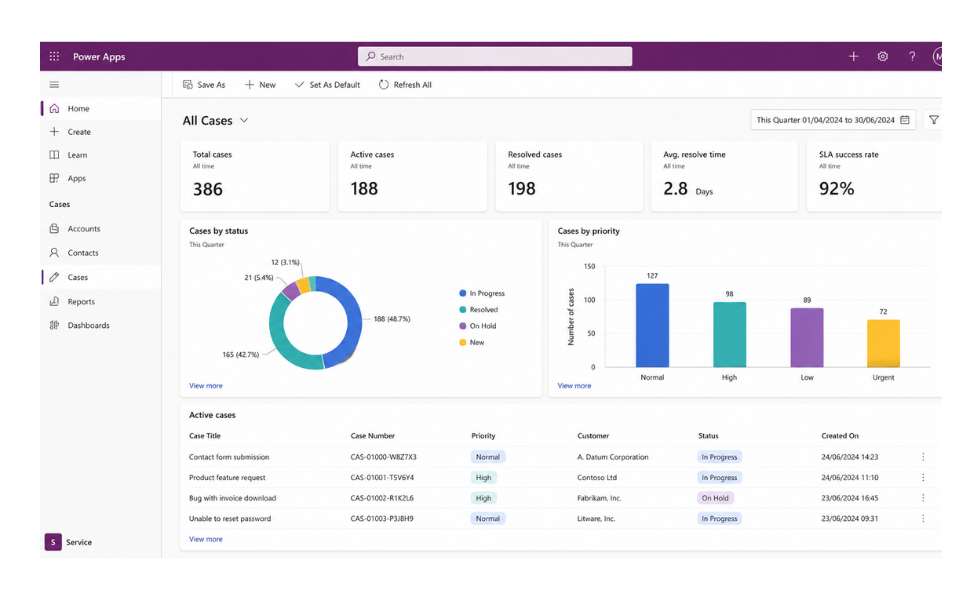
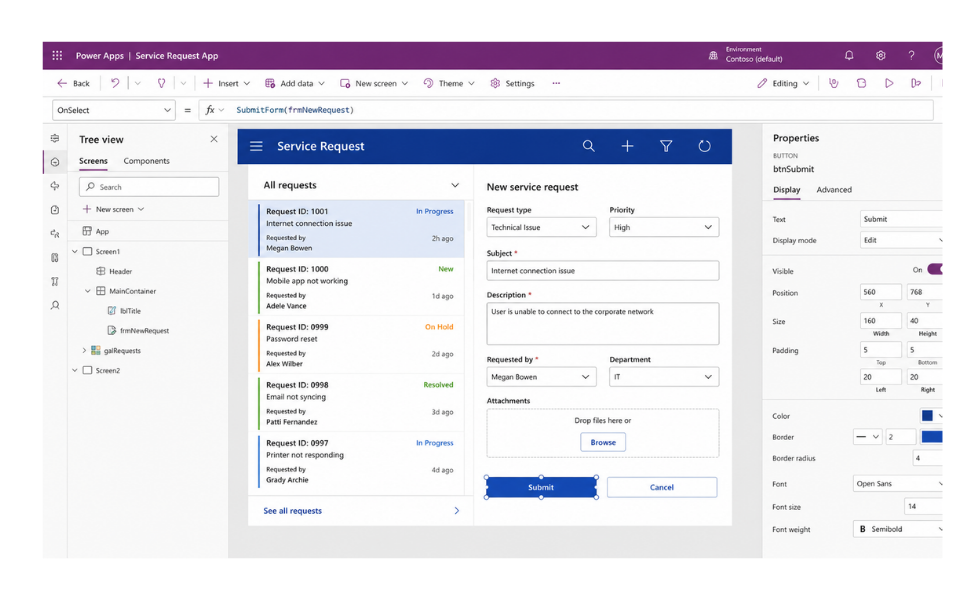
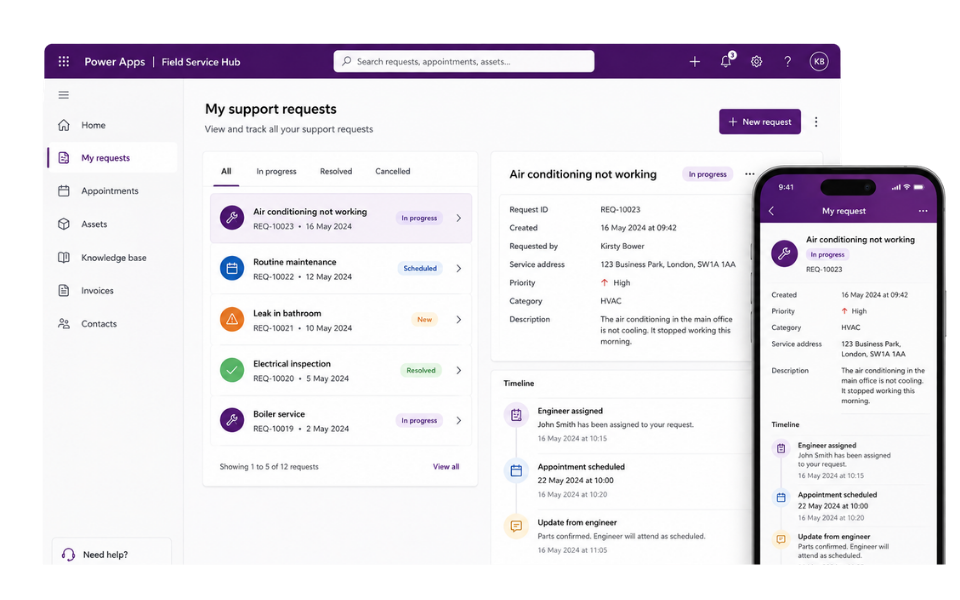
Connect Power Apps across your business
Power Apps is part of Microsoft’s wider business applications ecosystem, helping organisations connect processes, data and people within a single, integrated platform.
By integrating seamlessly with Microsoft 365, the Power Platform, Dynamics 365 and other business systems, Power Apps enables information to flow across your organisation, reducing manual effort, improving productivity and creating greater visibility across teams and processes.
Whether you’re connecting Power Apps with SharePoint, Teams, Dynamics 365, Power BI or third-party applications, Power Apps helps create a connected technology ecosystem that supports more efficient ways of working and enables better business decisions.
The result is a flexible platform that brings together data, processes and applications, helping organisations streamline operations, improve collaboration and adapt to changing business requirements.
See Power Apps in action
Discover how organisations have transformed operations, improved processes and empowered employees through tailored Power Apps solutions delivered by Pragmatiq.



Why choose Pragmatiq as your Power Apps partner?
At Pragmatiq, we tailor Microsoft Power Apps to your unique business processes, requirements and objectives, ensuring the platform works in a way that supports your teams, improves efficiency and delivers practical business value.
- Business-first approach: We focus on your processes, challenges and objectives to ensure the solution aligns with the way your organisation works.
- Tailored solutions: Designed around your unique requirements, users and operational needs.
- Expert consultancy and support: Strategic guidance and ongoing support to help you maximise adoption and get the most value from the platform.
- Scalable and flexible: Applications that can evolve alongside your organisation as processes and requirements change.
- Long-term partnership: From consultancy and implementation through to optimisation and continuous improvement, we’re with you every step of the way.

Frequently Asked Questions
Power Apps includes Microsoft Copilot and AI-powered development capabilities that help users describe requirements in natural language, create applications more efficiently and accelerate development. Organisations can also extend AI capabilities through Microsoft Copilot Studio by creating custom AI agents tailored to their business processes and workflows.
Yes. Power Apps can be designed to support offline scenarios, enabling users to continue accessing information and completing tasks when internet connectivity is limited or unavailable. Specific offline functionality depends on the requirements and design of the application.
Yes. Power Apps connects with Microsoft 365, Dynamics 365, Business Central, SharePoint, SQL databases, Dataverse and hundreds of other business applications and data sources, helping organisations create connected business solutions.
Power Apps can be used to create a wide range of custom business applications, including approval processes, inspection and audit applications, case management solutions, mobile workforce applications, request management systems and data capture tools. Applications can be tailored to support your unique business processes and requirements.

Speak to our Power Apps experts
Please complete the form below and a member of our team will get back to you shortly.
"*" indicates required fields