Microsoft Dynamics 365 Project Operations
Manage your projects effectively with Dynamics 365



















Transform your project operations with Dynamics 365
Ensuring projects run smoothly when there are lots of moving parts can be a challenge. Add to that remote working, multiple spreadsheets or disparate systems, and unforeseen delays, and projects can quickly become more complicated than originally anticipated.
Microsoft Dynamics 365 Project Operations provides you with a centralised system to connect teams across your organisation and ensure projects are delivered on budget and on time. The solution allows you to effectively manage your projects end-to-end, combining your teams and processes together with automation technology to provide a unified experience.
Are you facing these project challenges...
Difficulty coordinating teams and subcontractors across multiple locations.
Inefficient workflows due to fragmented systems or manual processes.
Limited visibility into project budgets, timelines, and resource allocation.
Struggling to deliver projects on time and on budget consistently.
Challenges in reporting project performance and stakeholder updates efficiently.
Key benefits of Dynamics 365 Project Operations
Key features of Dynamics 365 Project Operations
- Streamlined collaboration with subcontractors: Integrate external vendors directly within projects, allowing them to track time and progress like internal teams.
- Simplified contract management: Group related projects under a single contract for easy oversight and administration.
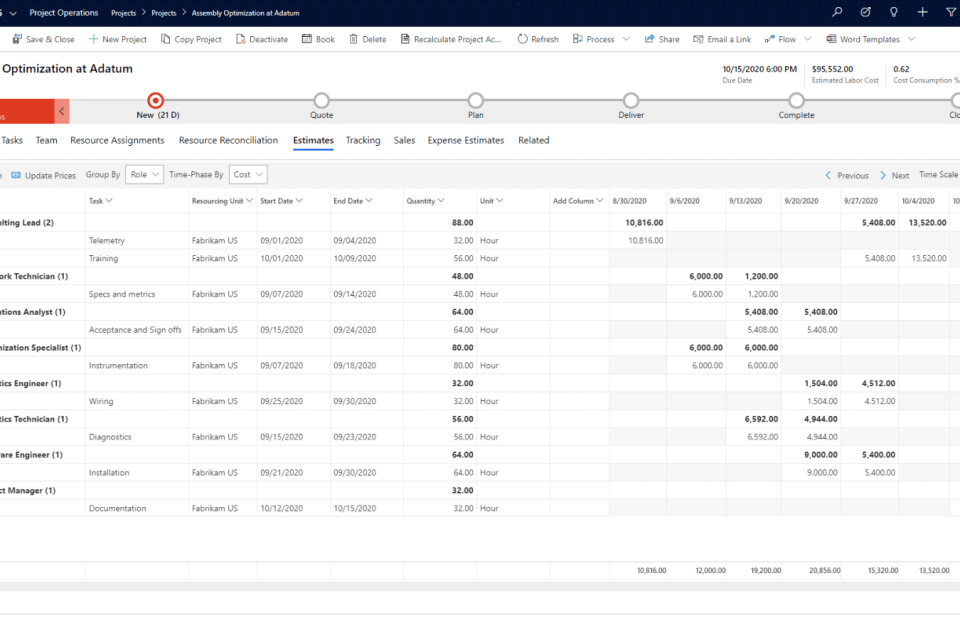
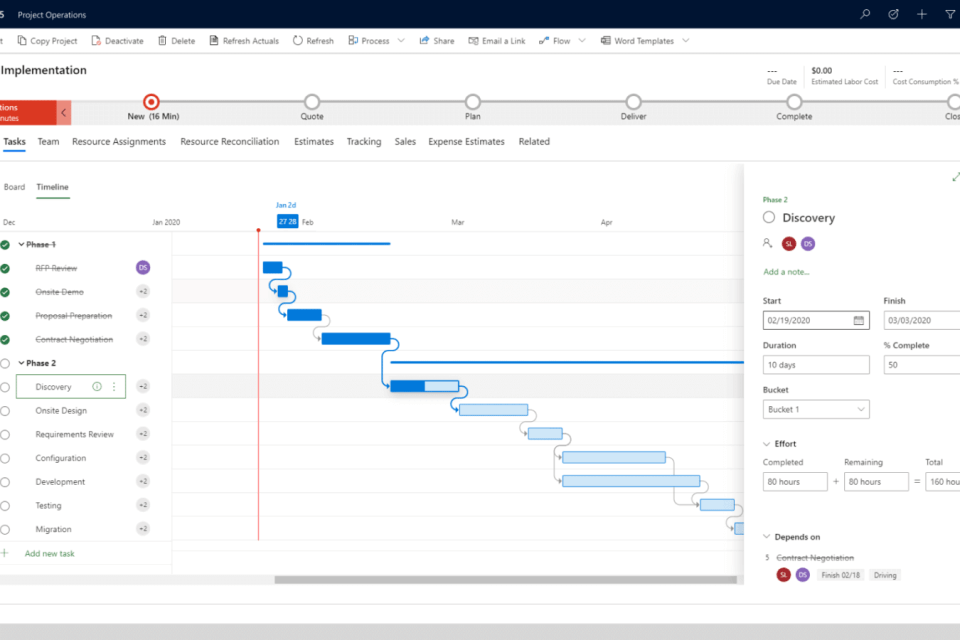
- Holistic project management: Track opportunities, allocate resources, and manage projects within a unified platform.
- Comprehensive financial insights: Monitor budgets, expenses, and overall financial performance to support informed decision-making.
- Enhanced team collaboration: Foster communication between internal and external teams to improve coordination and project success.
- On-the-go productivity: Access project information and complete tasks via mobile devices to keep projects moving anywhere, anytime.
These are just a selection of the features Project Operations offers. To learn more about how it can support your organisation, get in touch with our team.
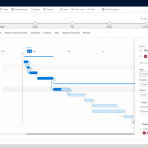
Copilot in Project Operations
Introducing a copilot into your project operations can significantly enhance your business’s efficiency and success rate. Here are the key benefits:
- Task Plan Generation: Speed up the project creation process with Copilot AI-generated task plan recommendations, including suggested durations and efforts.
- Risk Assessment: Copilot assists project managers when assessing risk factors for better risk mitigation.
- Project Status Report: Utilise AI-generated interactive project status reports. keeping stakeholders informed throughout the entire project.
- Chat-like Experience: Copilots intuitive interface makes it easy for users to collaborate, asking questions and gain real-time insights at ease.
Integrating a copilot into your project operations translates to more streamlined processes, reduced risks, and consistently successful project outcomes, driving your business forward.
Ready to get started?
Dynamics 365 Project Operations is a power application and could be just the solution your business is looking for to transform your operations.
Get in touch with one of our experts to find our more today!
Contact usSpeak to an expert
Please complete the form below and a member of our team will get back to you shortly.
"*" indicates required fields